Five Prompts to an Animated Globe
Building a rotating globe with flight paths, a live mileage counter, and city animations — one natural-language prompt at a time, powered by amCharts 5 and AI.
Before You Start: Set Up the amCharts MCP Server
If you're using an AI coding assistant (Claude, Cursor, Windsurf, or any tool that supports MCP), the very first thing you should do is install the amCharts 5 MCP server. It gives your AI direct access to the full amCharts documentation, code examples, and class references — so it can look things up instead of guessing.
Install it globally:
npx @amcharts/amcharts5-mcp initThat's it. One command. It registers the MCP server with your tool automatically.
For manual setup, configuration options, or more details:
Tell your AI this, and make it stick — put it in your system prompt, your CLAUDE.md, your project instructions, wherever your tool reads its guidelines from:
"For all amCharts-related code, use the MCP server as your single source of truth. Before using any setting, property, event, or method — look it up in the class reference via MCP. Do not guess. Do not rely on training data. If you're unsure whether something exists, verify it before writing it."
AI without a reference hallucinates. AI with a reference builds working charts. That's the entire difference.
And if you're using TypeScript (which you should — amCharts 5 ships full type definitions), always compile the generated code. The type checker will catch wrong setting names, missing properties, and bad method signatures that even the MCP lookup might miss.
What We're Building
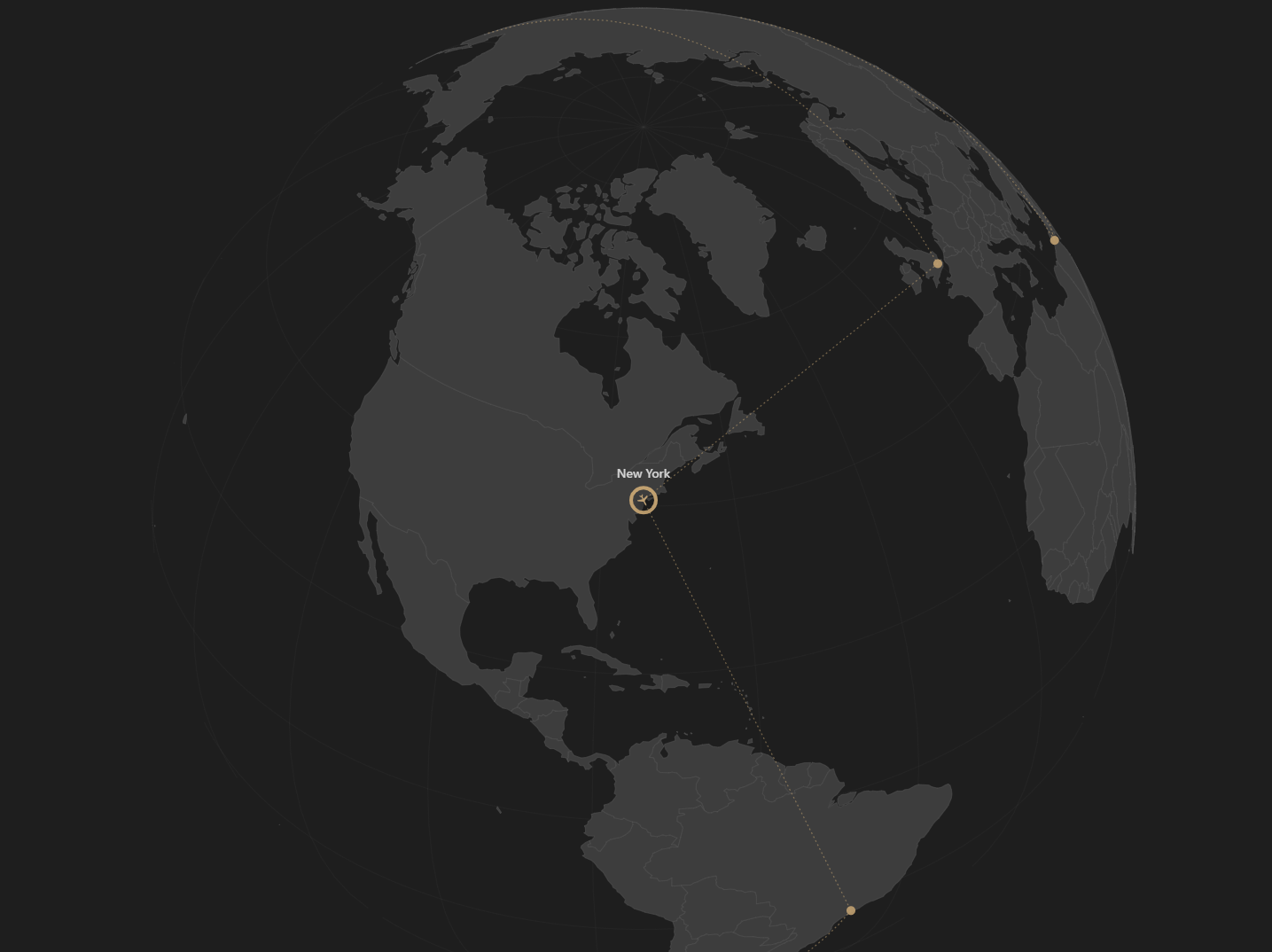
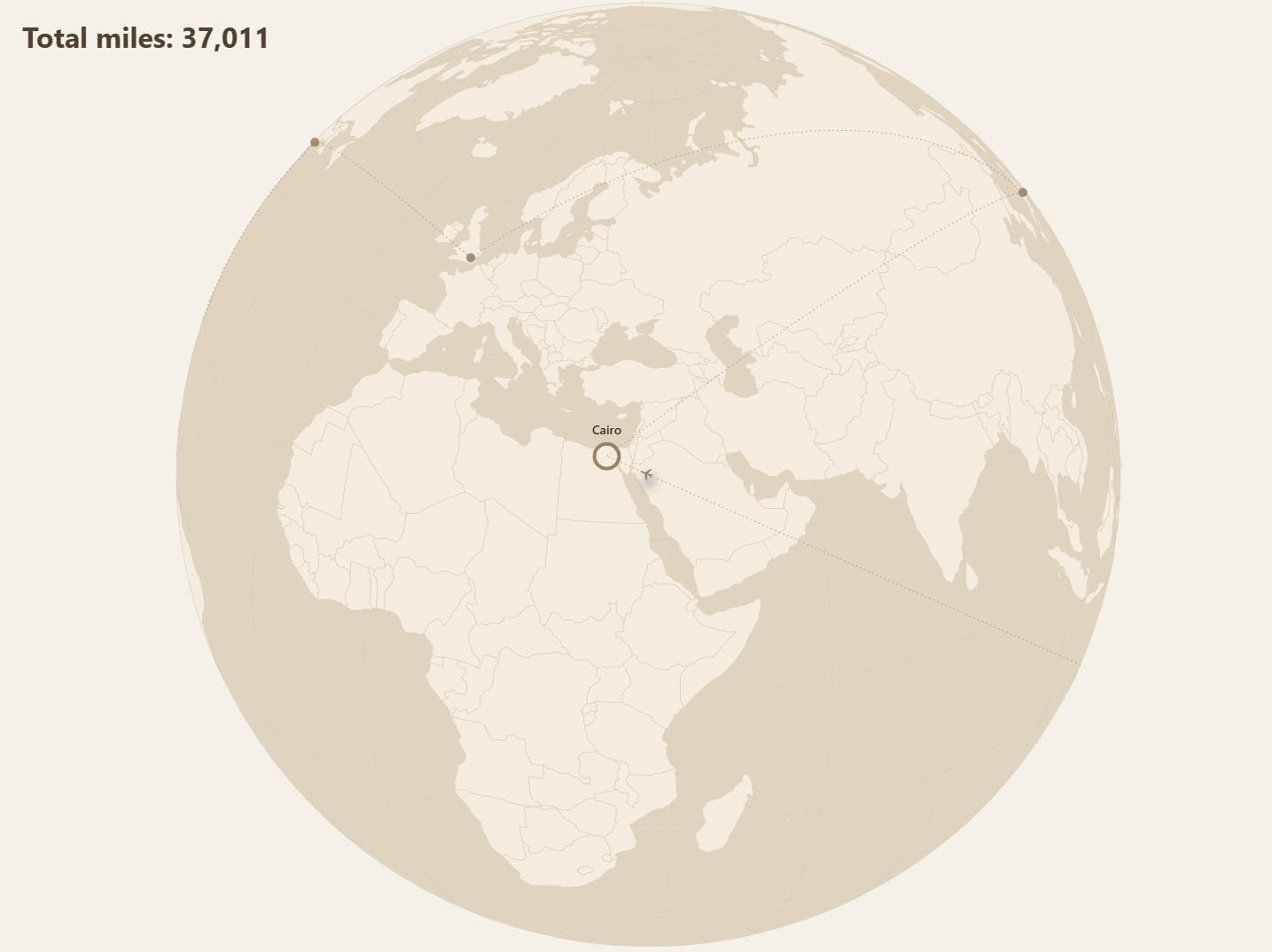
We're going to build an animated globe, step by step, using nothing but natural language prompts. Each step builds on the previous one — starting from a simple rotating globe with city markers and ending with a polished animation featuring eased flight paths, pulsing plane icons, and city labels that fade in and out on cue.
At each step, you'll see the exact prompt that was given to the AI, and the result as a live, interactive demo you can play with.
A note: if you try the same prompts, your results will differ. Working with AI is not an exact science — the output depends on the model, your setup, the conversation history, and sometimes, apparently, on weather conditions or the mood of your AI. That's fine. The prompts are a starting point, not a recipe.
The Steps
Takeaways
Five prompts. Each one a plain English sentence describing what should happen next. The MCP server gave the AI access to real documentation — so instead of hallucinating API calls, it looked them up and got them right.
The key lesson: an AI with a reference is a different tool than an AI without one. The MCP server is free, takes one command to install, and turns vague guesses into working code. If you're building with amCharts and AI, start there.